How it works
Know what to do today the moment you walk in.
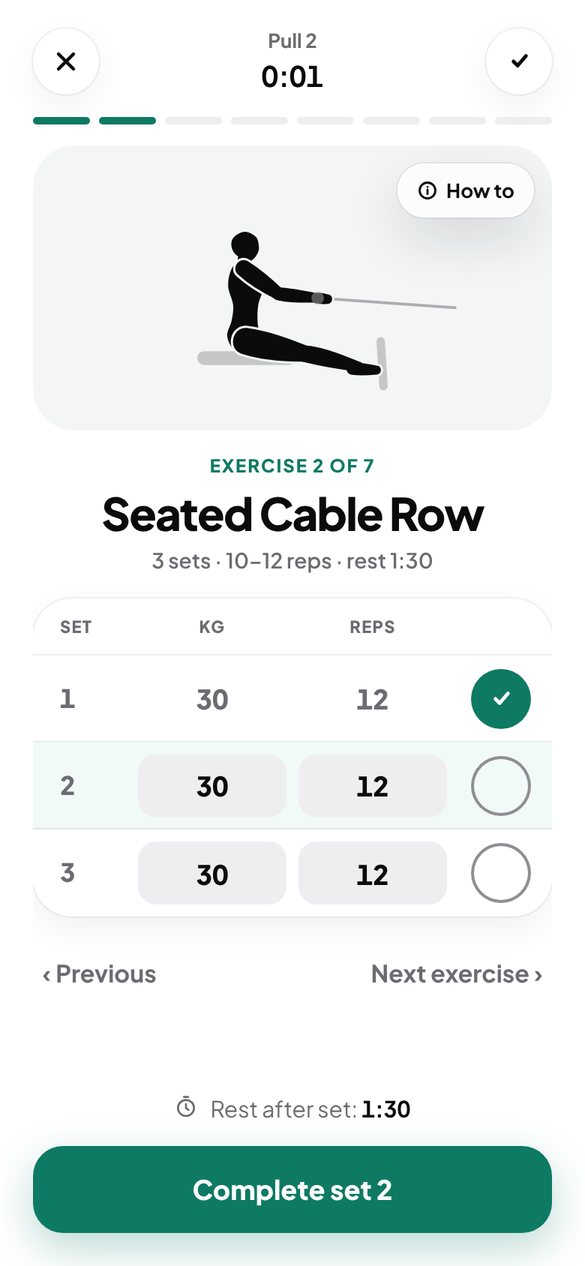
Answer four questions and get your plan: which exercises, how many sets, how long to rest. The exercises change week to week, so it never gets stale.
- Push, pull, legs and abs, 3 or 4 days a week
- A warm-up and stretches before every workout
- No machine? Swap the exercise with one tap
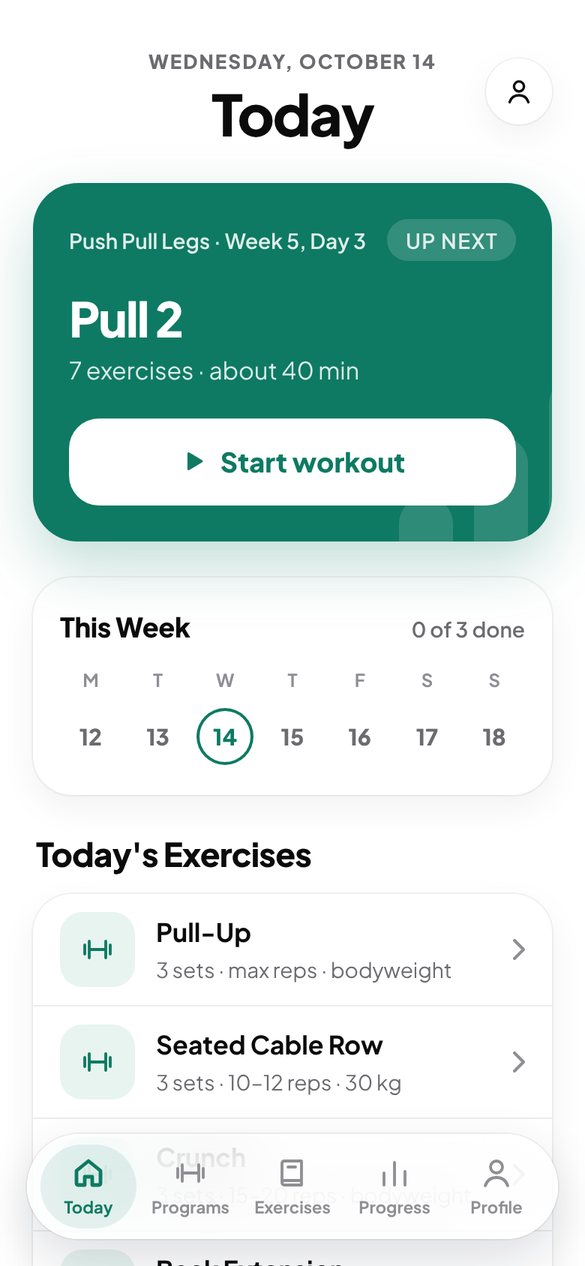
Every exercise, shown the right way.
50 exercises with an animation of the movement, three simple steps, the common mistakes and a coach tip, with new ones added regularly. No more searching for videos between sets.
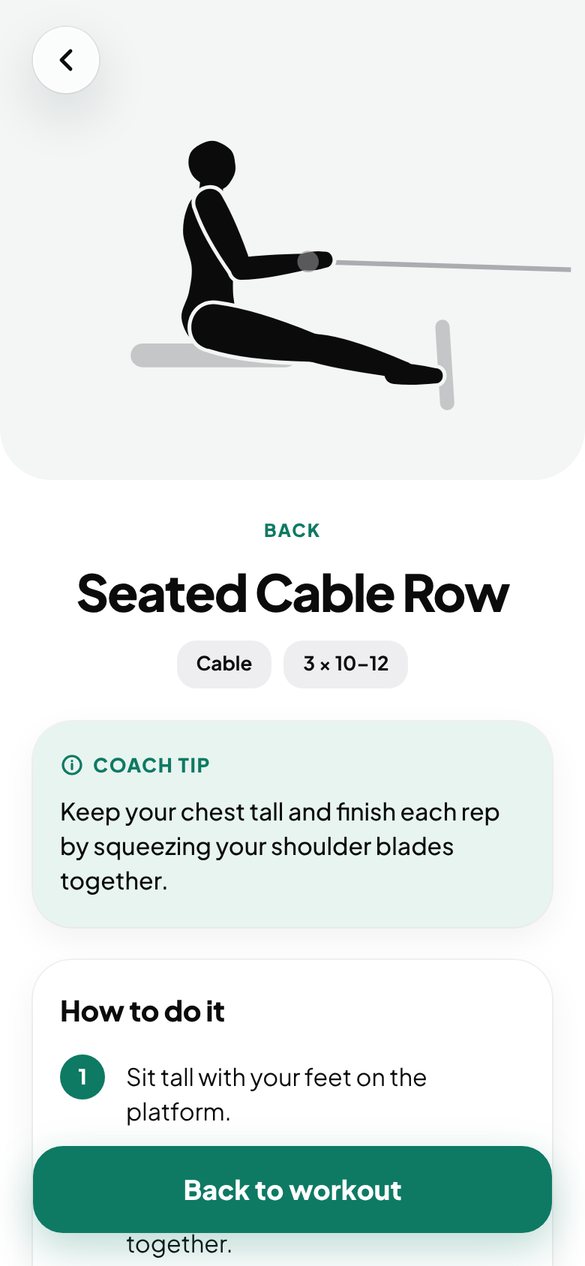
Weights go up when you are ready. Not before.
Log your sets and Grovis raises the weight for next time. If you get stuck, it brings it down. Records, your calendar and body weight live in one place.
- Automatic weight increases
- Records and achievements
- A weekly weigh-in with a note from your coach
Programs
Grovis picks the one that fits you from your answers.
Chest and shoulders, then legs and abs, then back and biceps. New exercises every week.
3 days a weekThe same plan plus a full upper-body day: push-ups, dips and pull-ups.
4 days a weekTwo days for legs and glutes, one for upper body and abs.
3 days a weekA first week for people with two days. Then you move to three.
2 days a weekNot a personal trainer. So it doesn't cost like one.
Grovis won't stand next to you and fix your form. It gives you a plan, shows you every exercise and tracks your progress, while you learn and build it yourself. For a whole month you pay less than one session with a personal trainer.
| What you get | Personal trainer | Grovis |
|---|---|---|
| A plan made for you | Yes | Yes |
| Shows how an exercise is done | In person | Animation and steps |
| Fixes your form on the spot | Yes | No |
| Tracks weights and progress | By hand | Automatically, after every workout |
| When you train | When they are free | Whenever you want |
| Price | Per session | $9.99 a month |
Pricing
The first week of every program is free. Premium unlocks the full plan and automatic weight increases.
Yearly
7 days free, then about $4.17 a month. Cancel anytime.
Monthly
Then $9.99 a month. No commitment.
Waitlist offer: the first 100 people get their first month for $1 when we launch.
FAQ
I've never been to a gym. Is Grovis for me?+
Yes, it was made for exactly that. You start with lighter weights, every exercise has an animation and simple steps, and the first time you do an exercise Grovis asks how it felt and adjusts the weight.
Does Grovis replace a personal trainer?+
No, and that is not the goal. Grovis is for people who want to learn to train on their own: it gives you a plan, shows you the exercises and takes care of the weights, while you build habits and knowledge that stay yours. If you have an injury or a health problem, talk to a doctor or a trainer first.
What if my gym doesn't have a machine?+
Exercises that have an alternative can be swapped with one tap, for example dumbbell flys instead of the fly machine. Grovis remembers your choice for next time.
How does the app know which weight to give me?+
It suggests a starting weight from your experience, adjusts it after your first time by how it felt, and when you hit all your reps it adds a little for next time.
Is it for women too?+
Yes. Women who want to shape their legs and glutes get the Glute & Tone program, and starting weights and increases are adjusted for them.
When is it coming to Google Play and the App Store?+
Grovis is in beta right now at grovis.app. Google Play comes first, then the App Store. People on the waitlist hear about it first.
Can I cancel my subscription?+
Yes, anytime, in your app store settings. You keep Premium until the end of the period you paid for.